

One reader for books, news and the web, with translations built in
Your books, saved web pages and news open in the same reader, with the same dictionary and translation tools. Reading, the dictionary and feeds are free.
What the reader does
Everything on this list is free, except the AI tools at the end.
- Books in EPUB, PDF, MOBI and AZW3, FB2, TXT, HTML and Markdown
- News feeds (RSS, Atom), online book catalogues (OPDS), Telegram channels and X accounts
- Web pages saved as clean text, readable offline
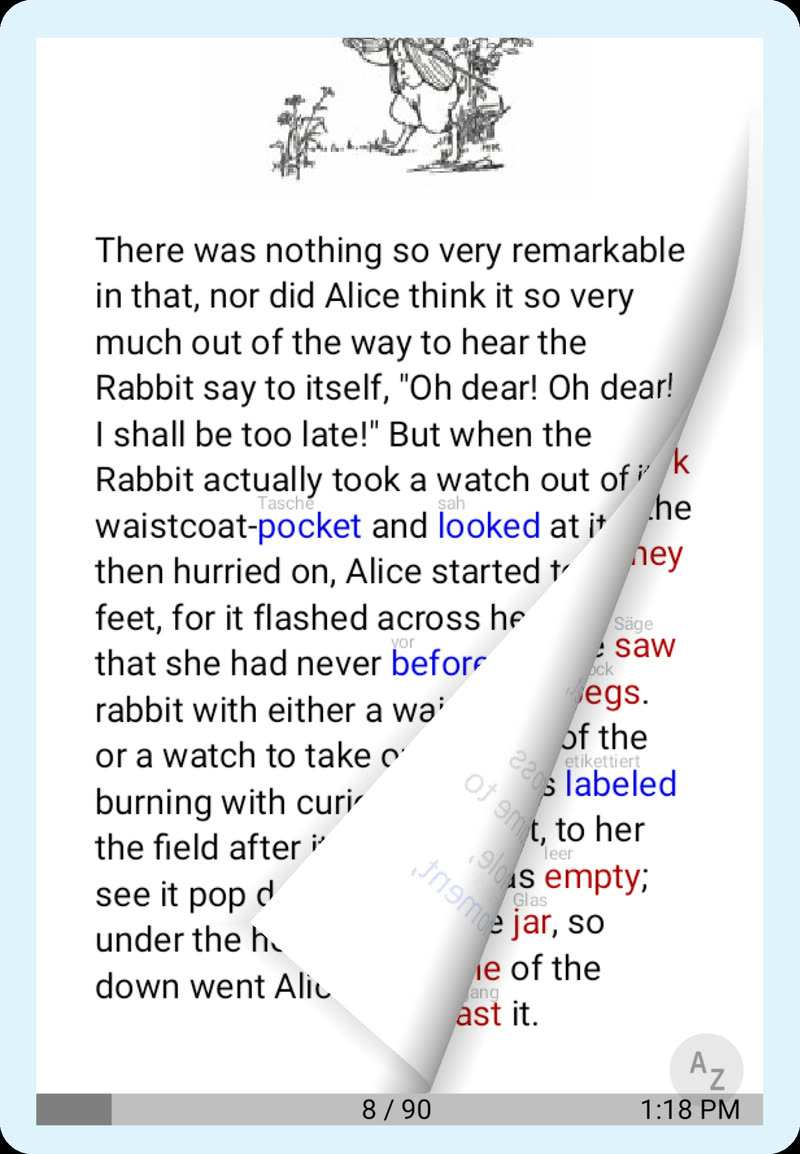
- A small translation above each word you don't know yet; tap for the dictionary
- A translation of the whole page in a side panel, by your phone's translator or by AI
- An estimate of how many words you know, so you can see if a book fits your level
- Read-aloud that highlights each sentence and turns the page
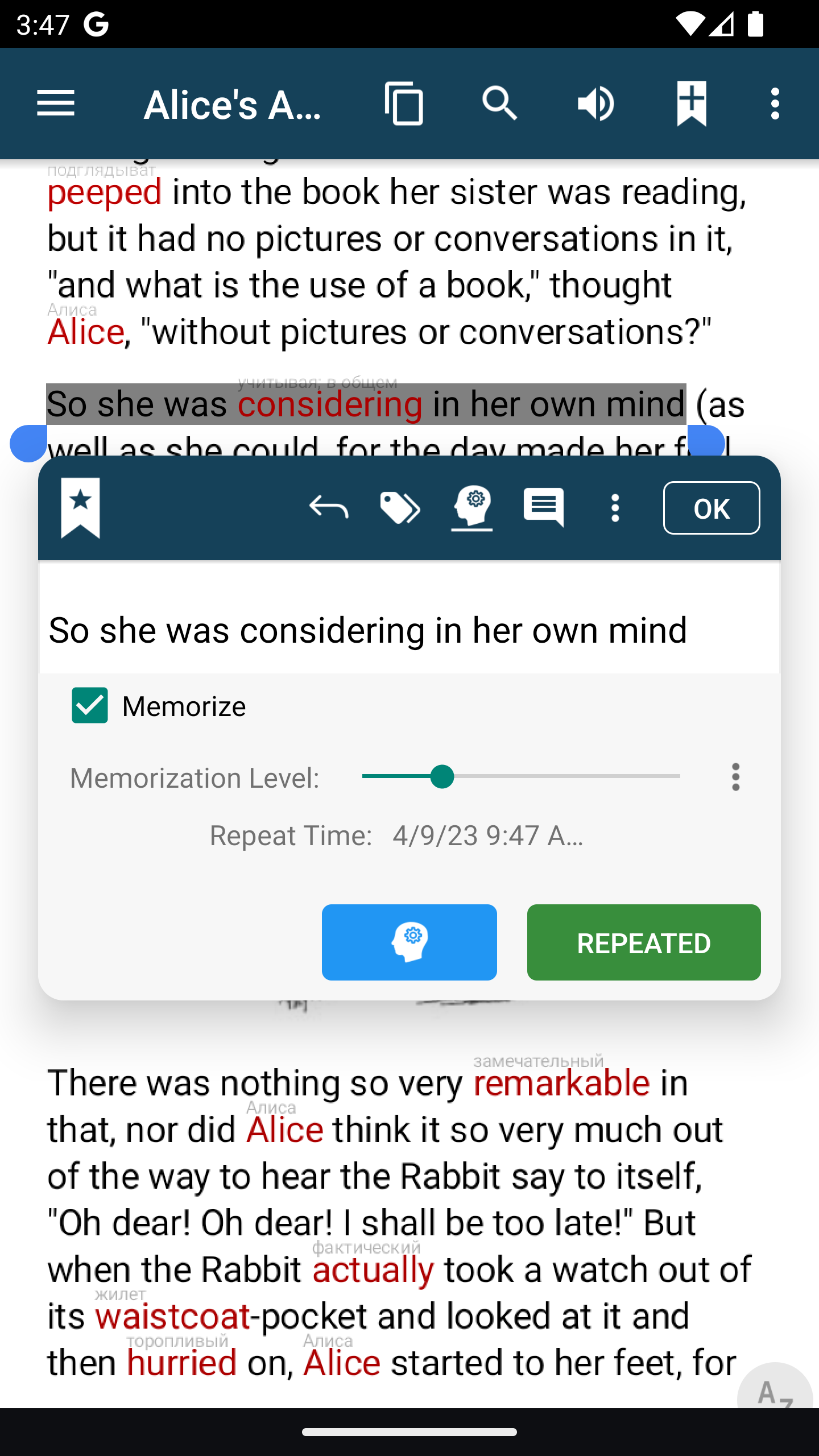
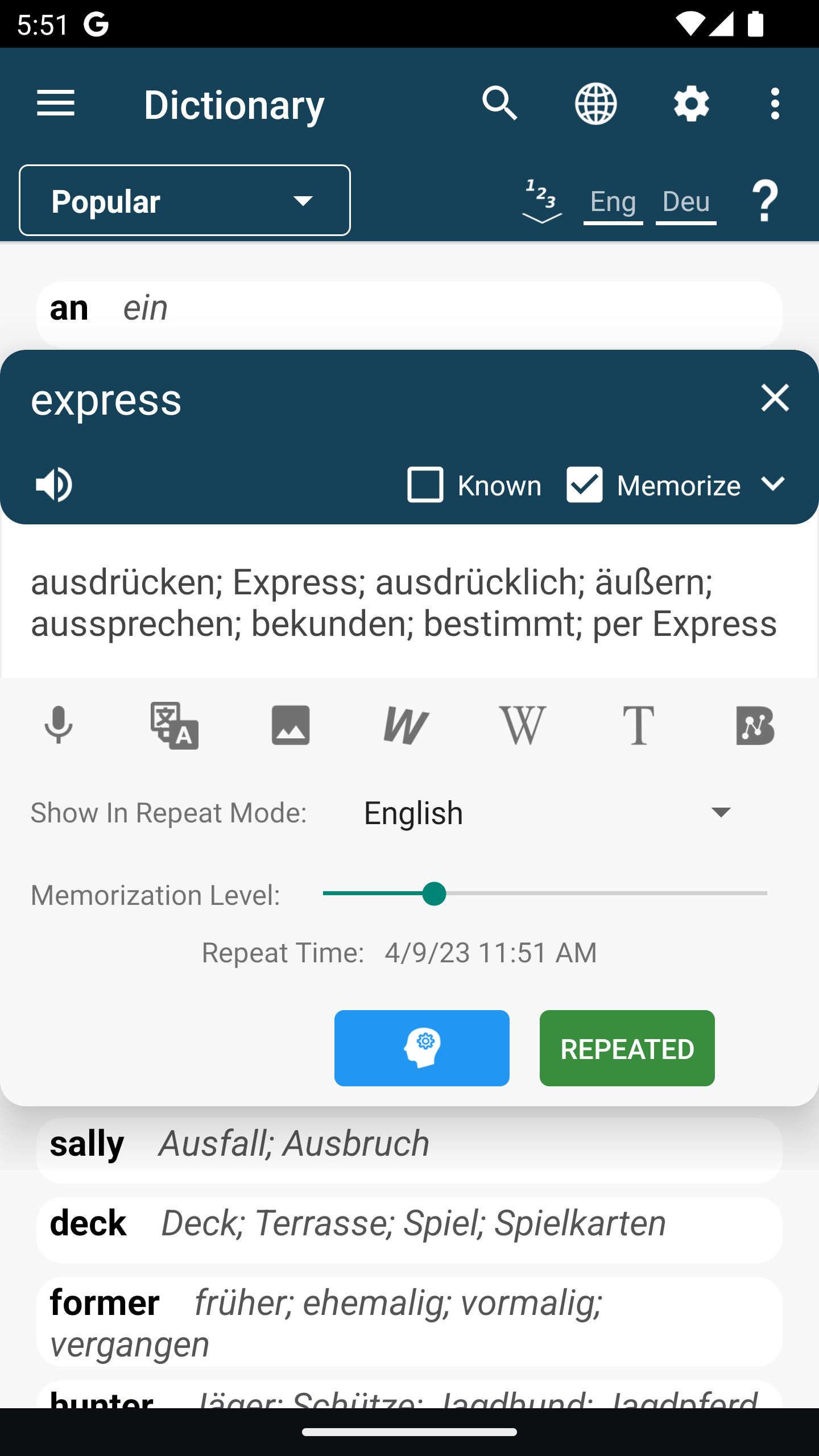
- Tick Memorize on a word and it becomes a flashcard (see Learn)
- Notes, bookmarks and tags, kept with the book they came from
- Fonts, colours and page layout to your taste
- AI tools: summaries, questions about the text and news sorted for you (see AI Mentor)
Words and notes you save stay linked to the page where you found them.
Reading in a language you are learning
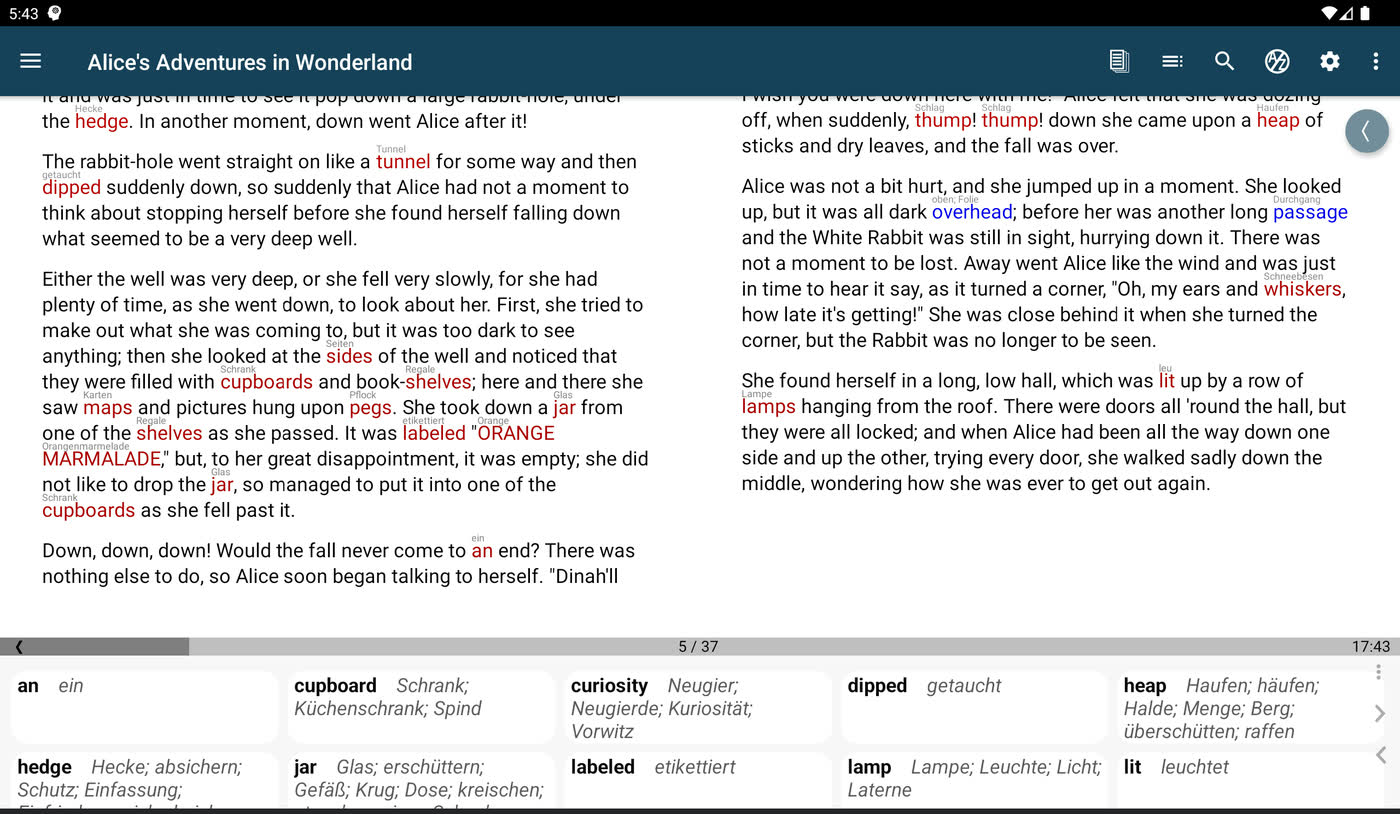
Words you don't know yet are marked, with a short translation in small print above them, so you can keep reading. Tap a word for the full dictionary entry. Select a phrase to translate its words together.
When you mark a word as known, its translation goes away. Over time the page shows only what you still need. pimReader also estimates how many words you know, so you can check whether a book is too hard before you start. A short vocabulary estimate opens at setup, and you can run it again in Settings → Languages.
The dictionary panel can sit beside the page or float over it. Dictionaries download for the languages you read and then work offline.
News and feeds
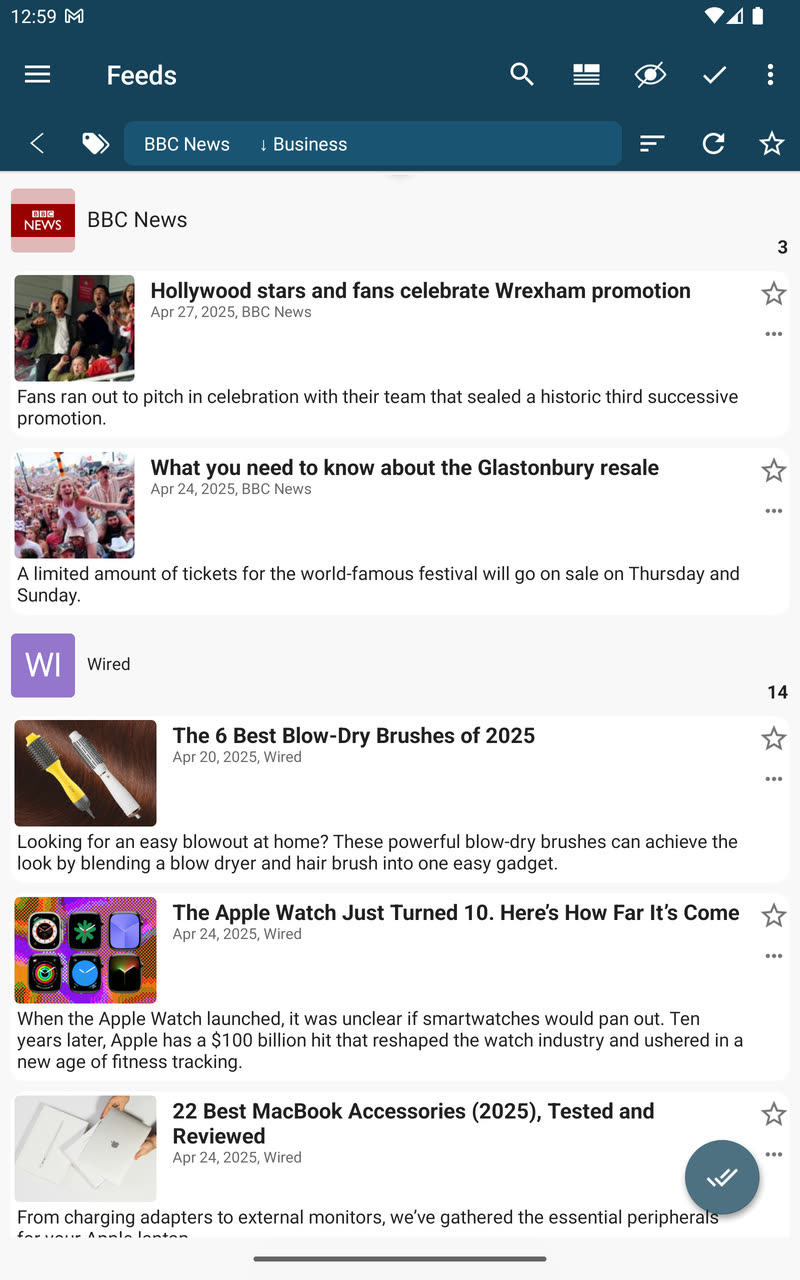
Add a news site or blog, or pick one from the built-in list. You can also follow Telegram channels and X accounts, and download books from online catalogues.
Articles are cleaned down to their text and saved for offline reading. They have the same translations and dictionary as your books.
Listen while you read
Read-aloud uses your phone's voice, or more natural AI voices. It highlights each sentence and turns the page for you, so you hear and see the words together.
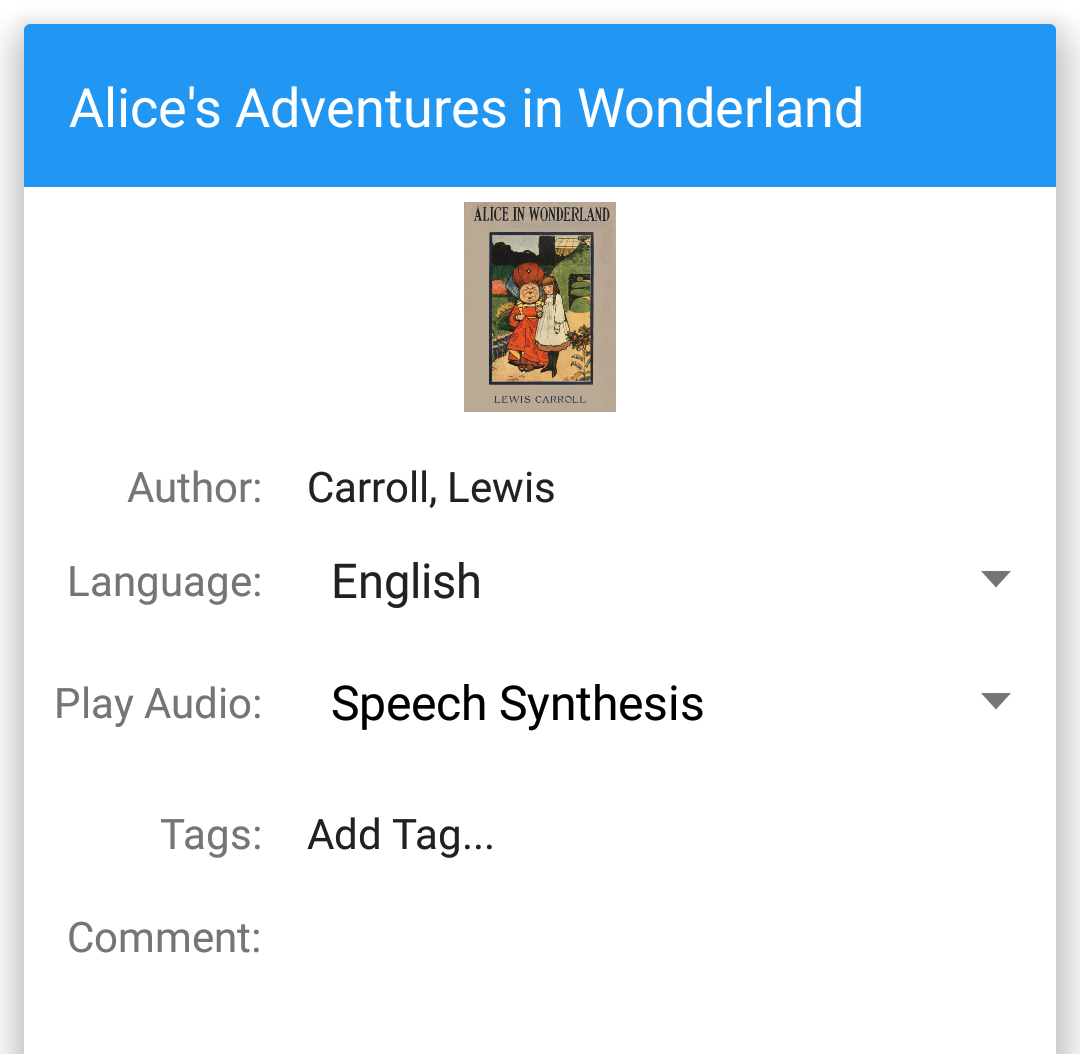
Have the audiobook too? Play its MP3 files beside the text. The audio does not follow the text by itself, so you keep your own place.
Keep what you find
To keep a word, tap it, then tap its translation in the dictionary and tick Memorize. To keep a phrase or a sentence, select it, then tap Add Note and tick Memorize; that card keeps the text and is filed under the book. Reviews and practice are explained on the Learn page.