

Every note remembers where it came from
Books, articles, feed items and notes in one library, with folders and tags to find them later. All free.
How it works
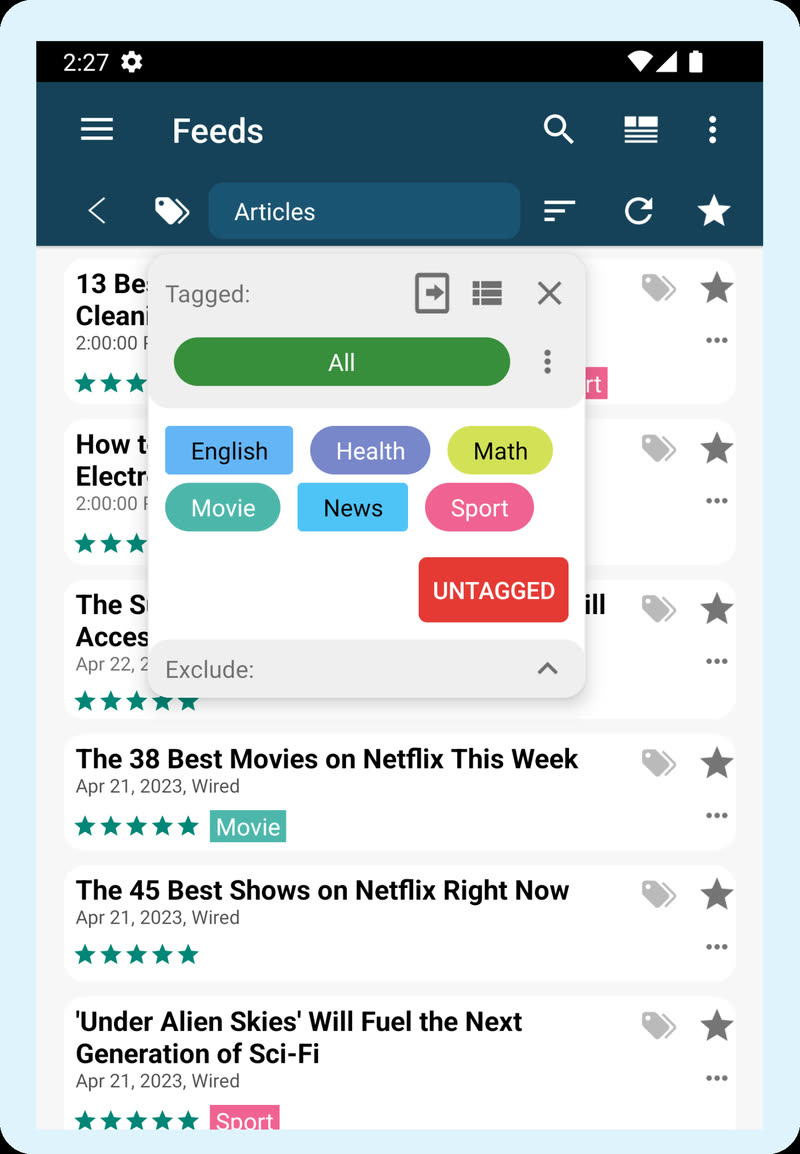
- Books, saved web pages and feed articles in one list
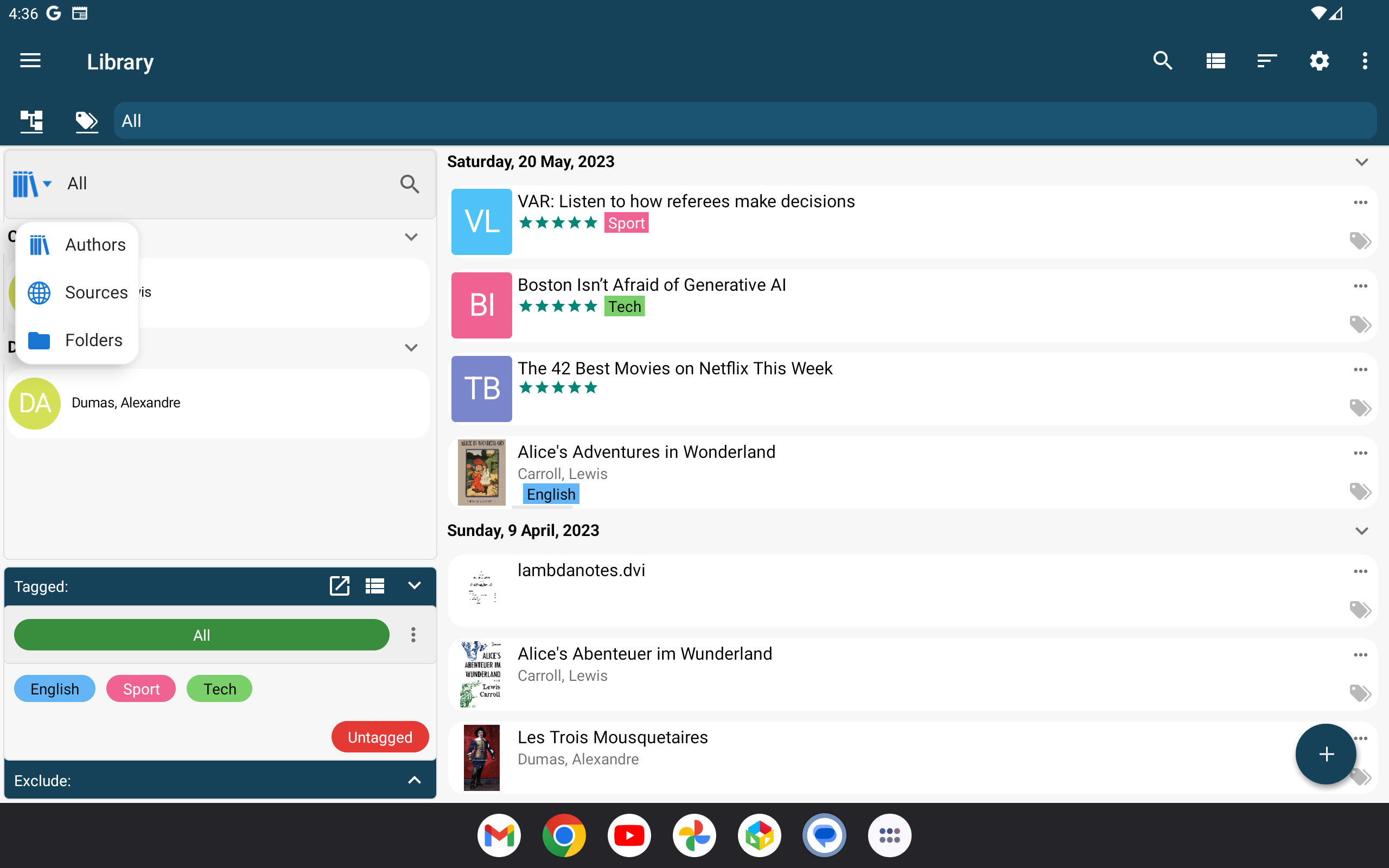
- Sort by date, author or title, or browse by author or source
- Folders for things that belong together: a course, a project, one book's notes
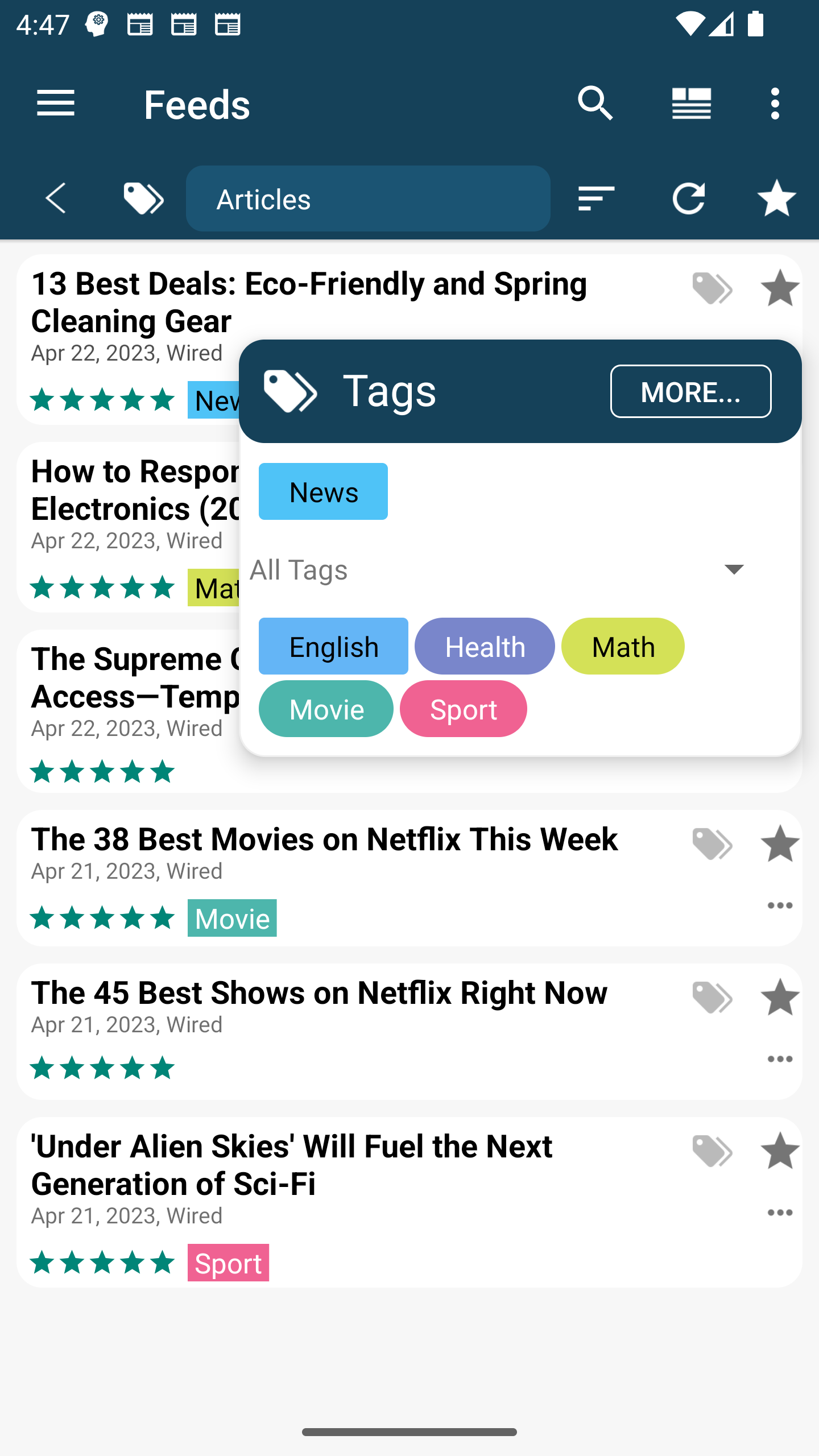
- Tags that work across folders, for topics you will look for later
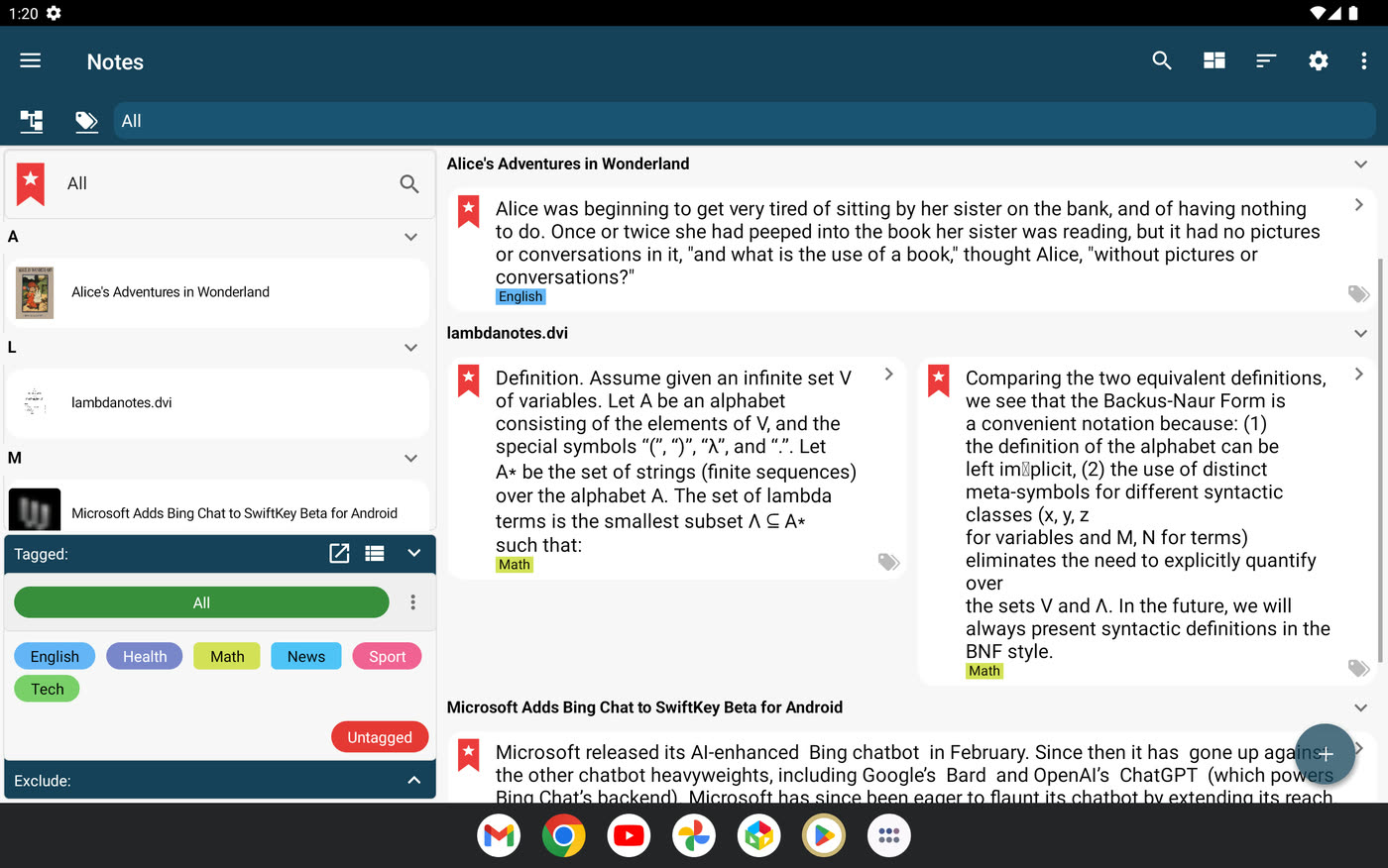
- Notes and flashcards kept under the book or article they came from
- Search by words, or by meaning with AI (see AI Mentor)
The library
Books, saved articles and feed items share one list. You can group it by day, or browse it by author or source.
Add only what you are reading now. The library grows as you read, and you don't have to file anything.

Folders and tags
Use a folder for things that belong together, like a course or a project. Use tags for topics that cut across folders, like a client, a formula or a language. Choose tags by what you will search for later.
Notes keep their source
Every note and flashcard is saved with the book or article it came from. Find notes by book or by tag, and go from a note back to its page.
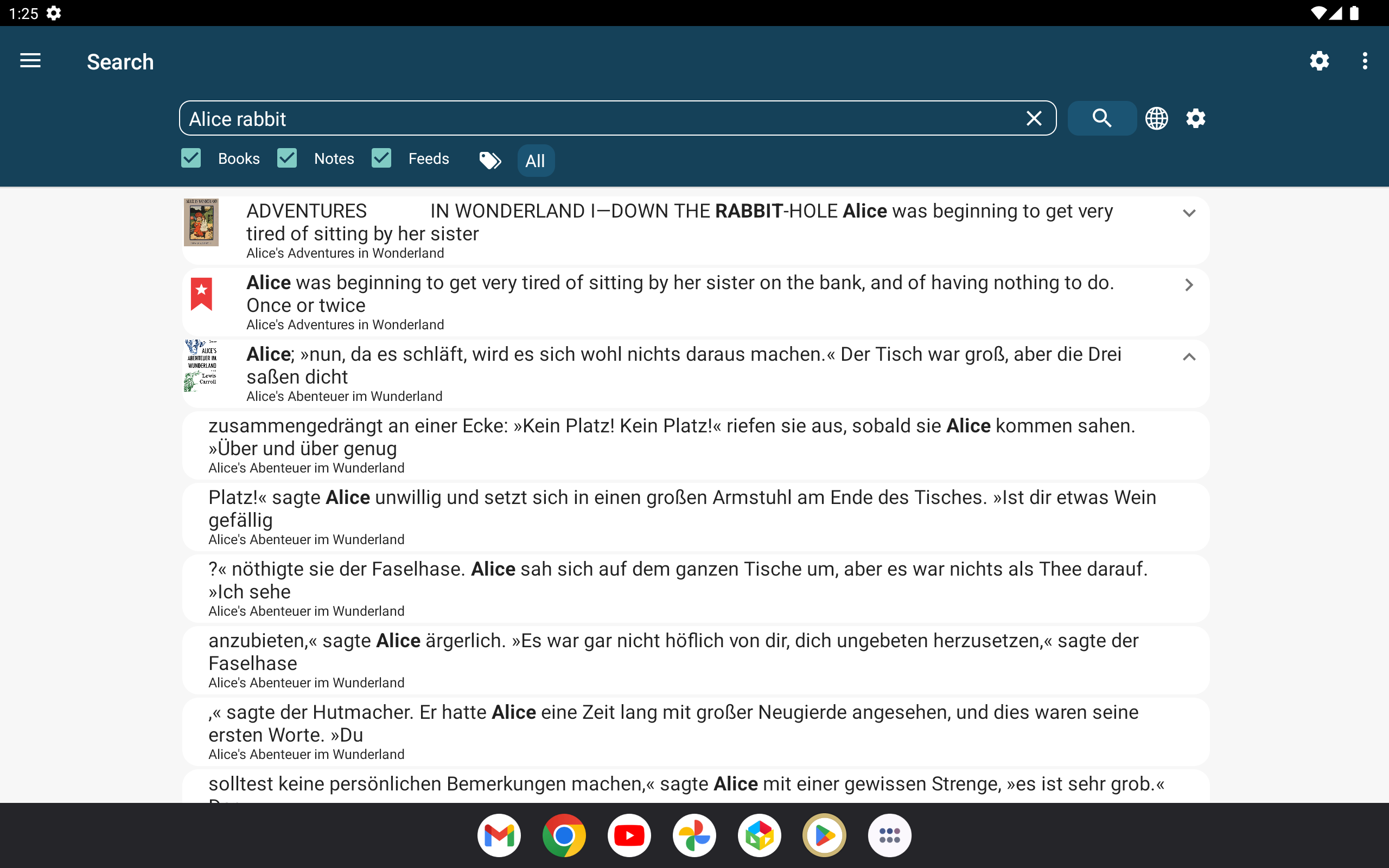
Search
Search finds the words you type in your books, notes and saved articles, and you can filter by tag or date. With AI you can also search by meaning, described on the AI Mentor page.