

AI Mentor: a tutor that works with your own books
Help me to learn small talk that builds good relationships at work
Roleplay drills and feedback
Workplace small talk — build rapport
0 / 6 lessons
- Everyday openers & closers
- Pre-meeting checks & offers
- Post-meeting small talk & next steps
- Building rapport over time
Hey — do you have a minute before the meeting? … do you need anything from me?
Oh, hi. Yeah, it is fine I guess. Nothing really.
Add a quick check or offer so the colleague knows you’re attentive. Friendly + proactive: “Hi! Yep, all good here — nothing I need. Do you need anything from me?”
Lessons for your goal, speaking practice with a score, answers about any page.
Optional — you don't need it to read or review.
AI Mentor and the other AI features on this page are part of pimReader Plus. Try them free for the first month: no card, nothing renews.
Speaking practice
Start a voice session and just talk. The assistant listens and answers in real time. It can go through your words for today, run short drills or act out a conversation with you.
For a single phrase, you see what was heard, the corrected phrase and a score out of 100.
AI Mentor
The Mentor is a chat tutor that knows your library. Ask it to explain a hard passage, to quiz you on yesterday's reading, or to help you plan what to study.
It answers from your own books and notes, and each chat keeps its history, so you can continue later.
Courses
Tell the Mentor your goal, your level and how much time you have. It asks a few questions, then shows a plan: a list of lessons. You approve it once, and you can ask for changes before anything is created.
Each lesson can come with a lesson book, an exercise book, a quiz and flashcards. A list shows which lessons you have finished.
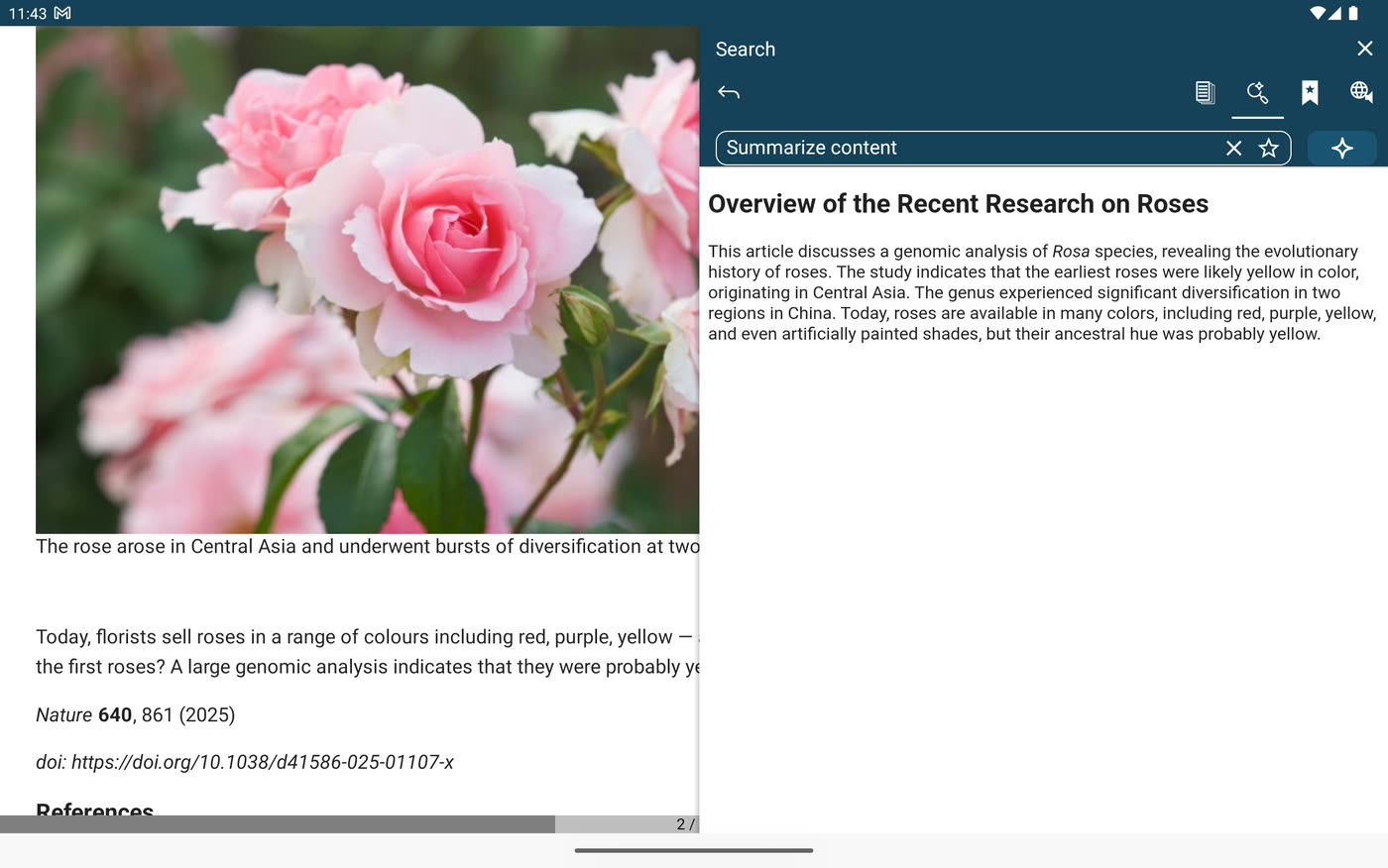
Summaries
In the side panel next to an article, choose a full summary, a short summary, the key points or the main idea. Then decide if the article is worth reading in full.
In a new language, reading the summary first makes new words easier to guess. You can also save your own request to use again.
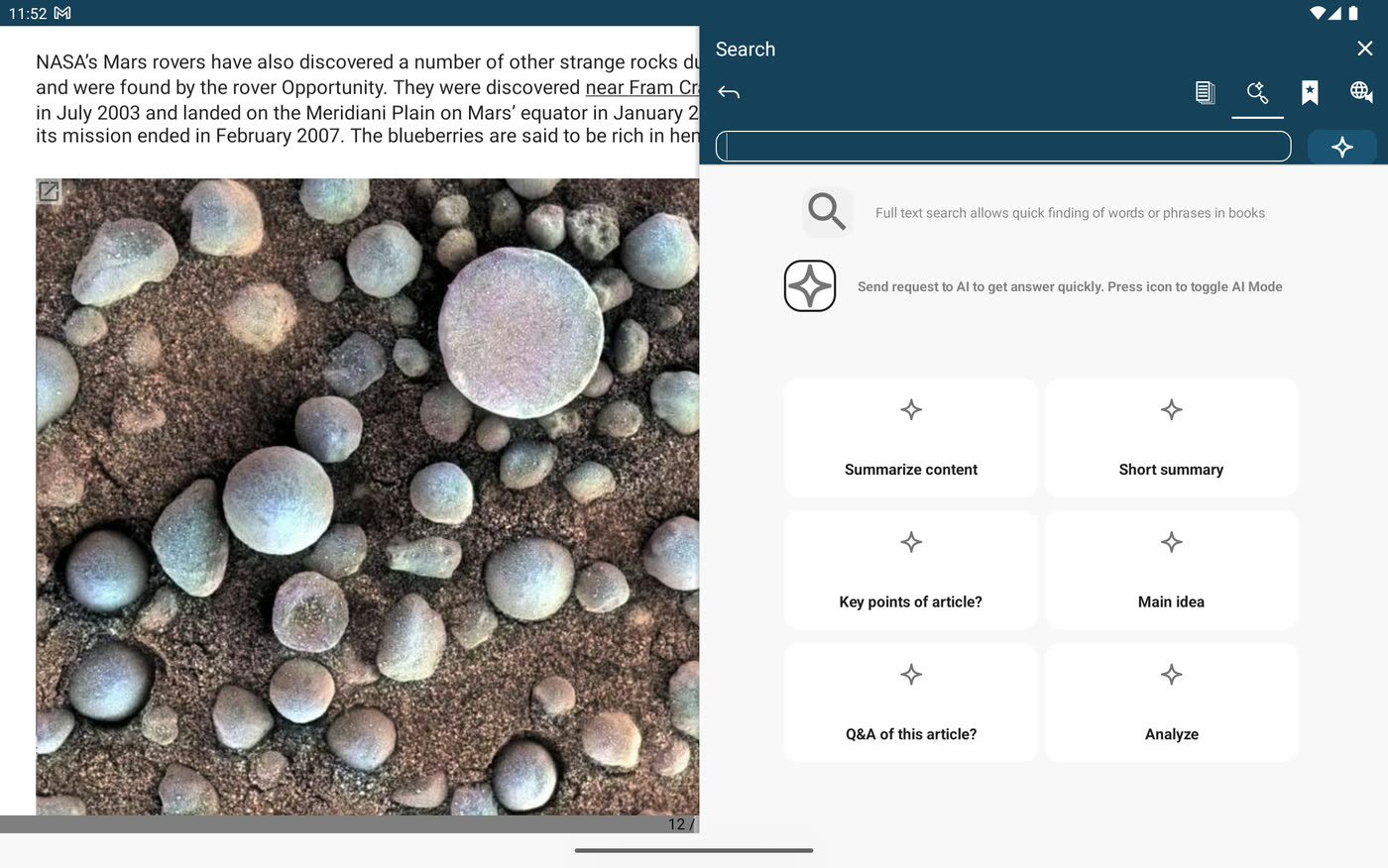
Questions about the text
Type a question in the side panel, for example about a term or a date you missed, and the answer comes from the page you are on.
Ready-made requests are one tap away. The answer stays beside the text, so you keep your place.
Practice sentences
Practice writes new sentences from the words you are learning: recent ones, ones due today, or a set you choose, at a level from A1 to C2.
Each sentence has its translation and can be read aloud. Save the useful ones as flashcards. The practice modes are described on the Learn page.
Lesson books
Ask for a lesson book and the assistant writes it in a minute or two: goals, useful phrases with translations, examples and exercises.
It appears in your library as a normal book, and you read it like any other. You can also ask for an exercise book on the same topic.
Flashcards from text
Select a passage, a note or a list of words and ask for cards. Each card gets the word, its meaning and an example sentence.
The cards join your normal reviews (see Learn). Lessons make their own cards too. You can edit or delete any card.
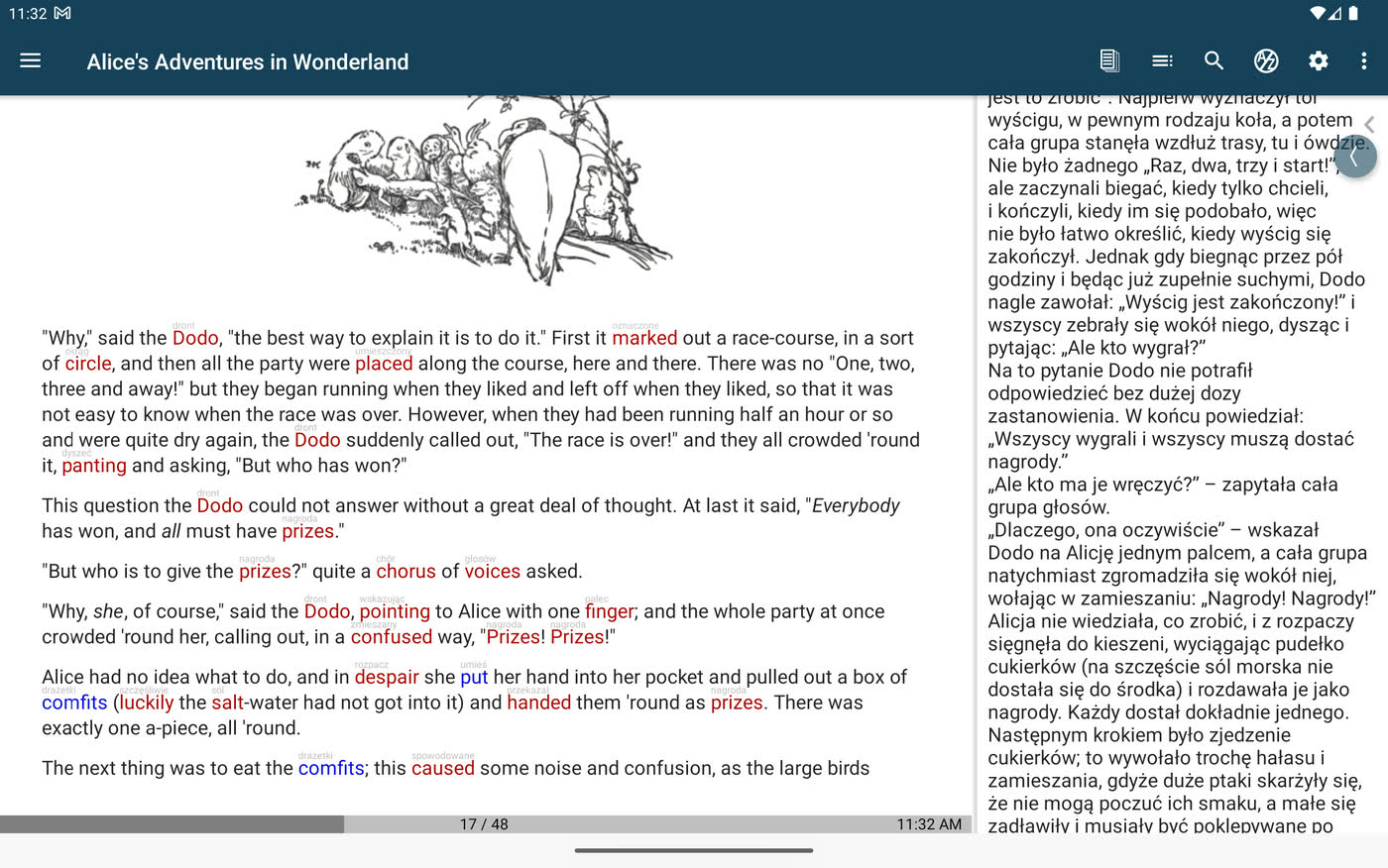
Page translation
Tap Show Translation and the side panel shows the passage in your language. One more tap brings the dictionary back.
With AI, the translation comes from AI; otherwise the panel uses the simpler translator built into your phone.
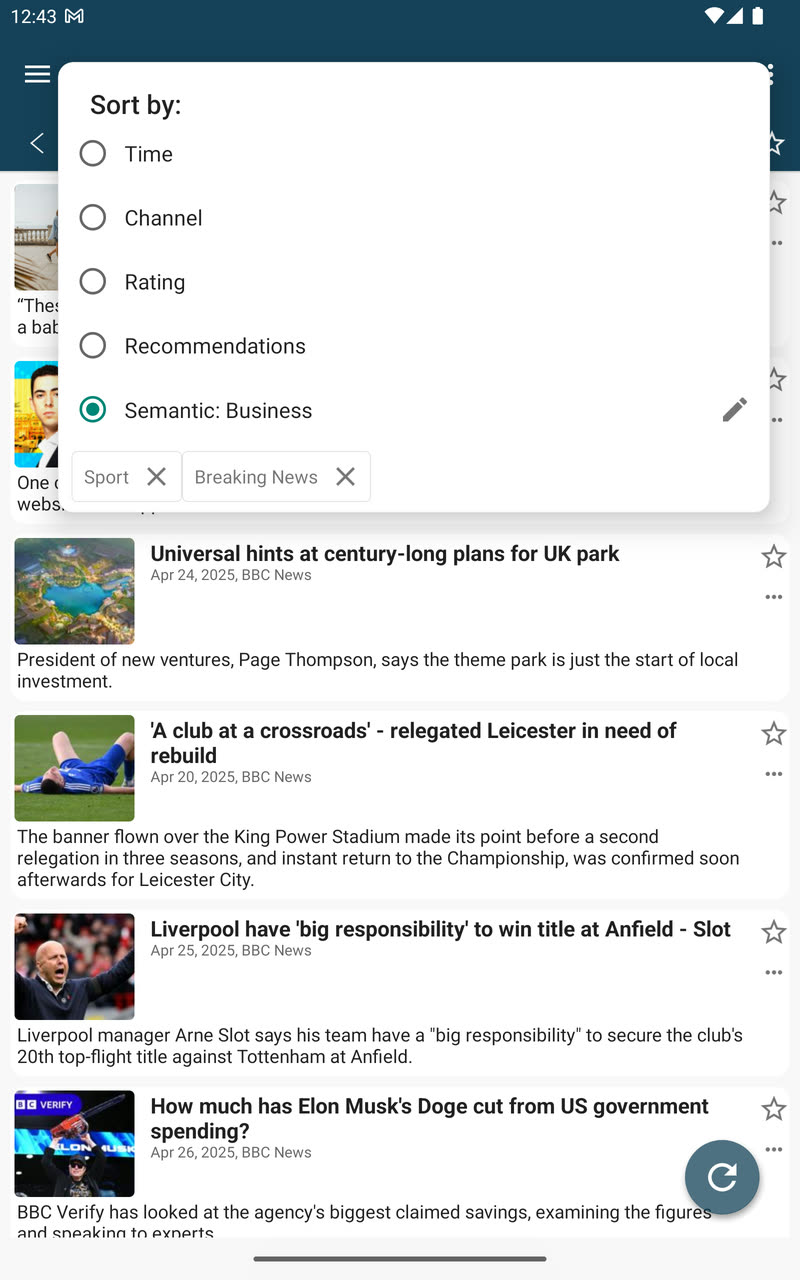
News sorted for you
In a feed, open Sort by and type a topic. The closest articles move to the top, even when they use other words.
After a few weeks of reading, choose Recommendations to sort unread articles by what you usually read. It gets better the more you read.
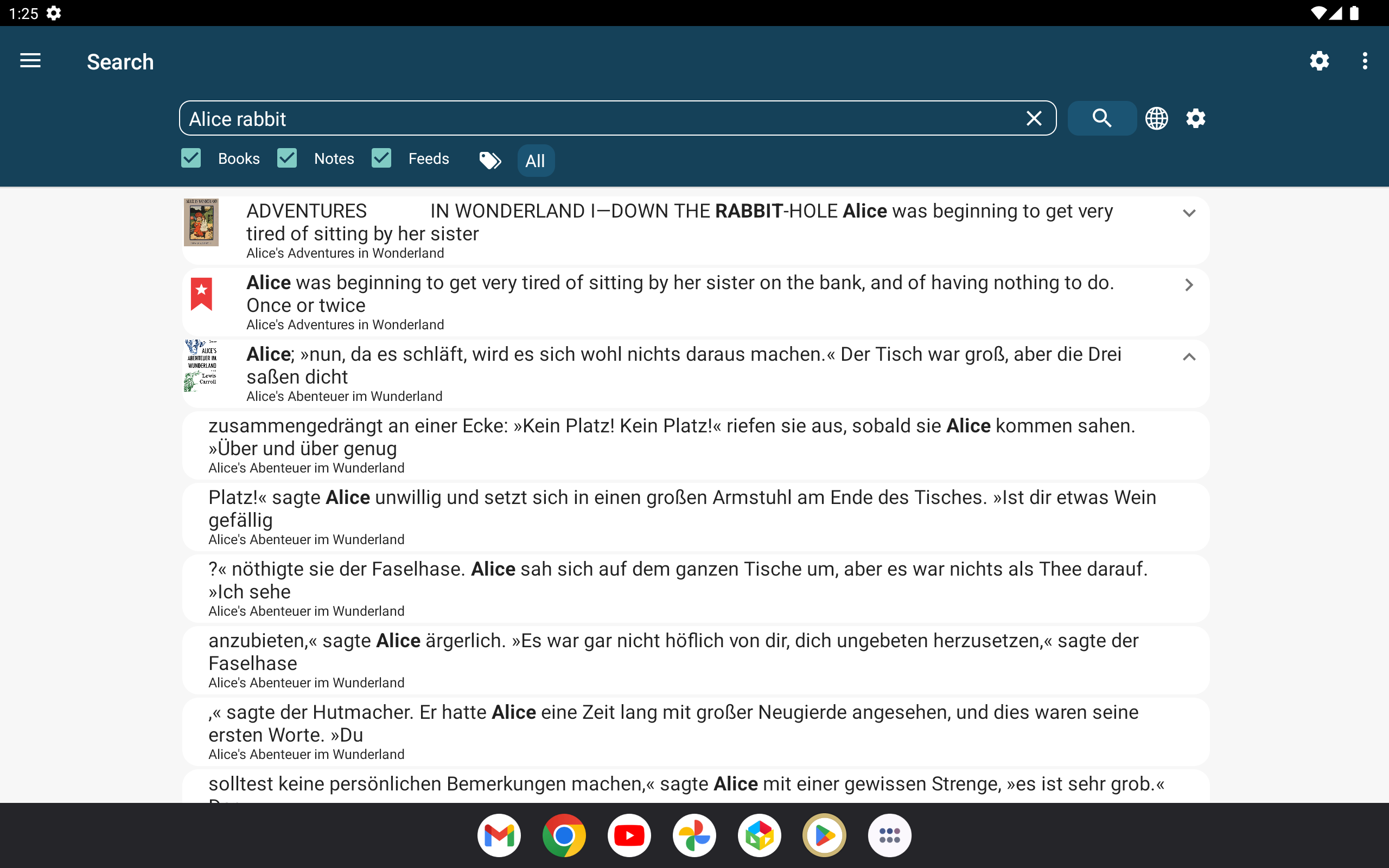
Search by meaning
Normal search finds the words you type. Search by meaning finds what you mean: describe a passage you half remember and it comes back, even if it uses different words.
It covers your books, articles and notes, and each result opens the book at that place. You can also ask the Mentor a question about your library.