

Turn Any Article, Book, or Note Into Flashcards
June 23, 20263 min read
Writing flashcards by hand is slow. In pimReader you select a passage, word list or table, the AI Mentor proposes cards, and you keep the good ones.
Skip to the guideFlashcards work, but making them is slow. Writing a good card means rereading the passage, deciding what the question is, phrasing it so it has one answer, and typing both sides. Ninety seconds a card; twenty cards is half an hour of typing.
So it is tempting to highlight instead. Highlighting feels like progress but gives you nothing to review.
The shortcut
In pimReader, select a passage and ask the AI Mentor to make flashcards from it.
It proposes a set. You see them in a preview, with the answers hidden so you can test yourself straight away. Keep the good ones, discard the rest, and the kept cards are filed in a folder.
A card takes seconds rather than minutes.
What it can turn into cards
A passage of prose. You get question-and-answer pairs covering the claims in it.
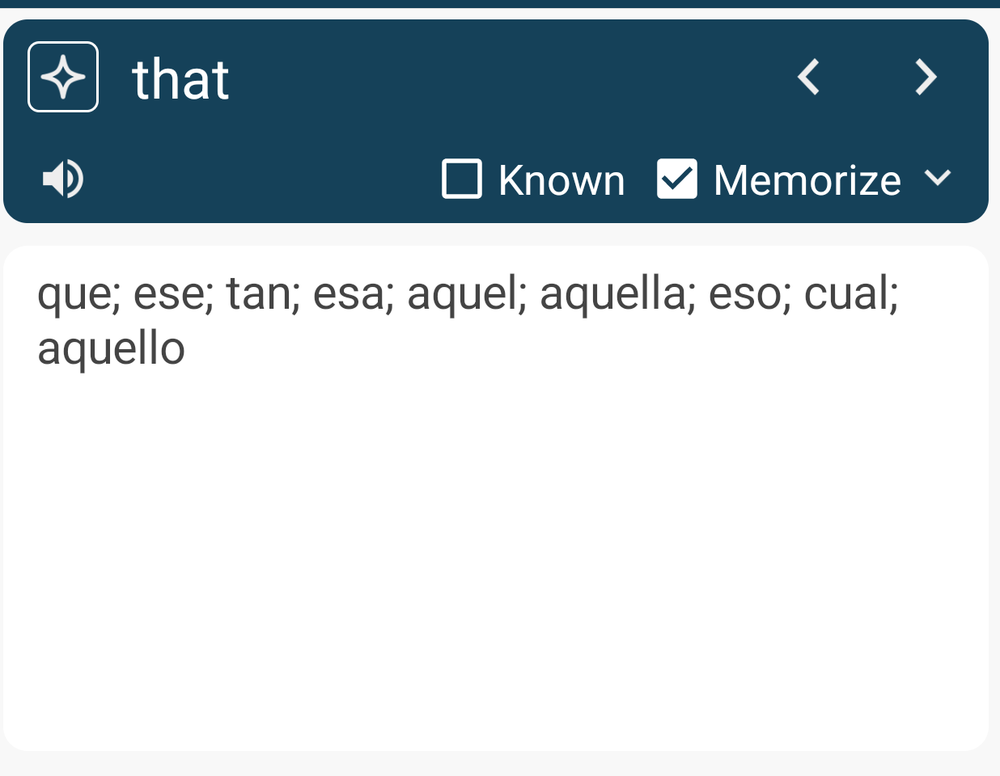
A word list. Vocabulary becomes word cards with the right language attached, so they join your language reviews instead of a general pile.
A table. Tables are full of facts worth learning: dates, doses, parameters. Give it a table and get a card per row.
A note you wrote yourself. Your own summary of a chapter, turned into questions.
A lesson. If you are working through an AI Mentor course, each lesson can make its own flashcards, filed in that lesson's folder.
Text from another app. Share text into pimReader from wherever you are reading, and make cards from it the same way.
Cards you keep, cards you throw away
The preview step matters. Generated cards include good ones and bad ones, and a bad card keeps coming back for a year.
Throw away anything that:
- has more than one plausible answer: "What did the author say about trade?" could be answered five ways
- gives away the answer in the question: then you are testing reading, not memory
- you don't care about: being able to make a card is not a reason to keep it
- bundles several facts: split it or drop it
Keep anything with one clear answer you would be glad to know in six months. If you are keeping every card, look at them more closely.
A card is a note
A flashcard in pimReader is a note with a question attached, so the card and its source stay together. To make one by hand, select the text, tap Add Note, tick Memorize, then tap the question icon that appears and type the question.
From a card you can go back to the passage it came from. You can add a comment to a card, and move cards into folders alongside your other notes.
It works the other way too: any note you have saved can become a flashcard later, when you decide it is worth learning. You don't have to decide when you save it.
Then the daily reviews take over
Kept cards join your daily reviews (the Exercise card on Home). Up to 15 new cards a day are added to your reviews; the rest wait for the next days (change this in Settings → Learn schedule → New cards per day). Spaced repetition decides when you see each one, so each card comes back when you're likely to start forgetting it. Rate Again, Hard, Good or Easy; each button shows the interval it will set, such as 10 Min or 1 D.
Cards with a question show the question first, and the answer is revealed when you tap, so you test yourself instead of reading both sides at once.
A simple workflow
Read a long article. At the end, select the two or three paragraphs that carried the argument and ask for cards. Keep the few that matter.
Do that with everything worth reading and the cards build up slowly, a few a week, each tied to something you chose to remember.
Writing cards yourself, notes and daily reviews are free; AI-generated cards use AI, which is part of pimReader Plus. When you open an AI feature, pimReader offers Try free for a month: no card, no account, nothing renews. Tap Not now to carry on without AI.